 luna
lunaIn this guide
Luna combines sound monitoring with live video between two compatible iPhones or iPads. The parent station can receive audio when there is noise near the baby station, and you can open the live picture to check the view. Adjust the sound sensitivity for your room and test the result. Both devices need internet access and iOS or iPadOS 15.0 or later.
Check live listening and alerts separately
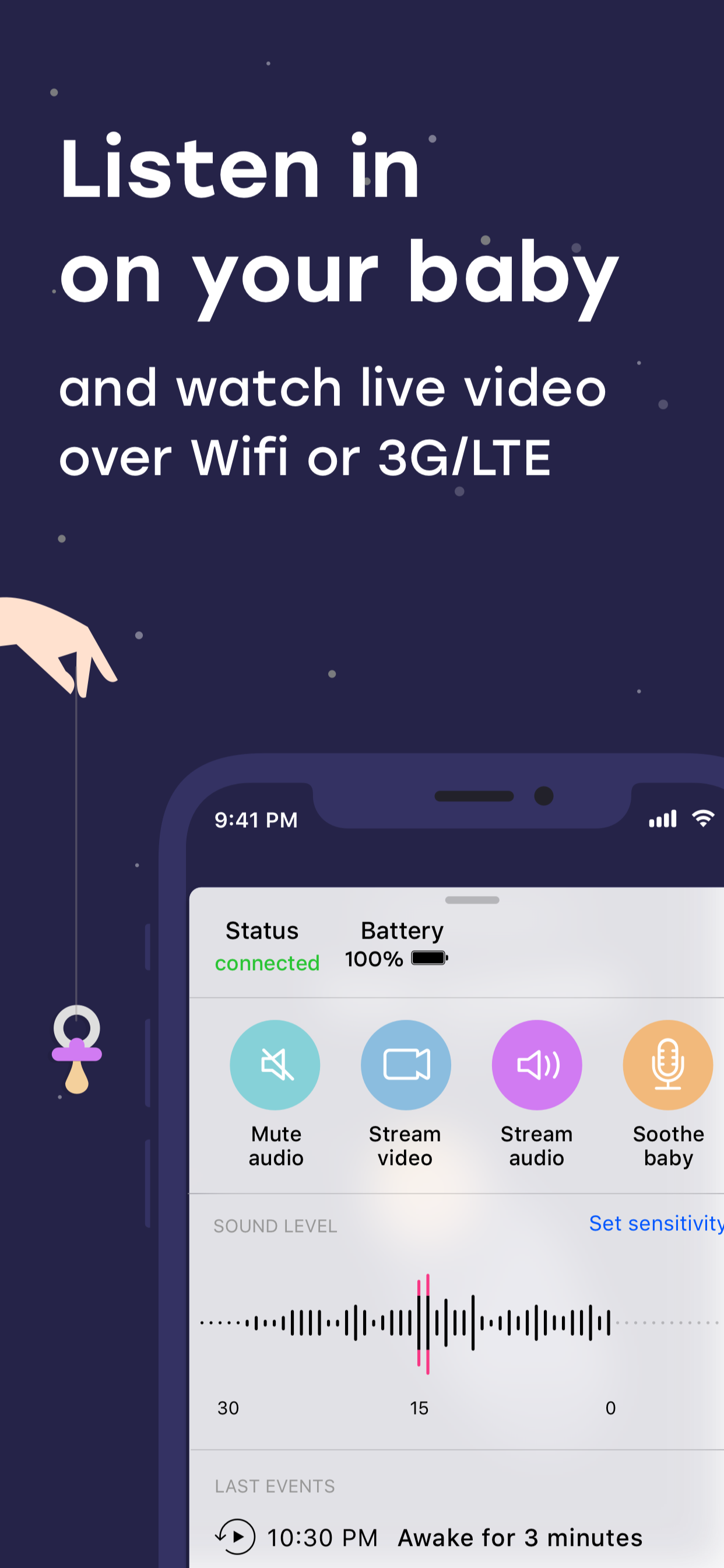
The Parent Station has separate controls for alerts, audio and video. Use the audio button to start or stop live listening. When starting, wait for the loading indicator to change to the active audio state. A connected device does not by itself mean that an audio stream is playing.
Check the alert mute control and the parent device's volume as well. Luna's alarm settings provide volume levels and a vibration option. Test these with a sound near the Baby Station. Keep the devices apart so that feedback does not make the result difficult to judge.
Adjust sensitivity and trigger delay
Sensitivity determines which sound levels the Baby Station responds to. A higher setting also detects quieter sounds. Luna offers several levels and a graph of measured sound. First observe the room's normal background level, including any fan or other steady noise, then test with your voice near the position the baby device will occupy.
Trigger delay is a separate setting: its controls offer options such as 1, 2 and 5 seconds. A longer delay requires sound to persist longer. Change one setting at a time and repeat your test so that you can understand the effect of each change.
If you cannot hear audio or receive an alert, follow our connection and notification troubleshooting steps.
Enable video on the Baby Station
If the Parent Station says video is unavailable, check the Baby Station first. Its camera must be activated and camera access allowed. Microphone permission is still needed for sound. Position the baby device, then open the live picture using the video control on the Parent Station.
For video, leave Luna open on the baby device and keep that device awake. The parent iPhone's ability to receive background alerts does not establish that video will transmit from a locked baby device. Check the live picture with the exact device arrangement you intend to use.
Use audio, video and Eco Mode thoughtfully
Luna distinguishes sound detection, sound-triggered audio transmission and manually started live listening. A quiet period without a playing audio stream is therefore different from a lost connection. Check the displayed connection state as well as listening for sound. If you are unsure, start live listening for a short functional test.
Camera use and video transmission increase power demand; Luna points this out when you activate the camera. Use the live picture for a deliberate check and watch the battery level on both devices. The app manages Eco Mode automatically. Keep checking battery levels during use, and open video when you want to see the room.
What suits your evening?
| Audio | Live video | |
|---|---|---|
| You want to … | Listen to sounds | Take a look too |
| Stream | Sound | Picture and sound |
| Battery & data | Usually lower use | Usually higher use |
Before you start
- A test sound can be heard on the parent station.
- Sensitivity is appropriate for the room's background noise.
- The live picture has been checked in the expected lighting.
- Volume and intended background use have been tested.
- Both devices remain powered, online and safely positioned.
A few more questions?
Yes. Luna offers sound monitoring and live video. Test both during setup so you know what each station receives.
It lets you adjust monitoring to the room's sound environment. Check the result with a test sound after changing the setting.
Do not assume it does. Check your device's actual picture in the room's lighting and position the baby station accordingly.
Sources & further information
This guide explains Luna’s features using the available product information. Labels and offers may change with app updates.
Try it with Luna
Connect two iPhones or iPads and use them as a baby monitor.
Download LunaFree download · In-app purchases